
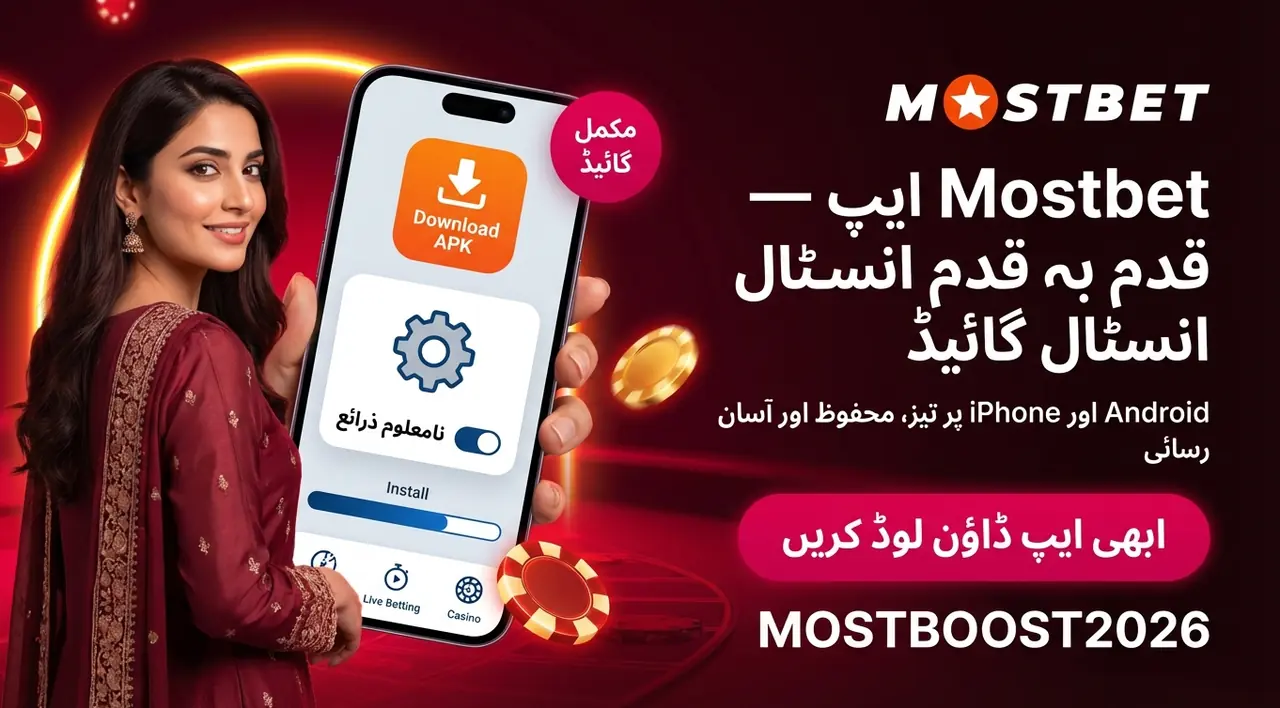
Mostbet App in Pakistan: Install on Android (APK) or iOS
The Mostbet app gives Pakistani users a full-featured mobile platform covering sports betting on over 30 disciplines, live casino, and account management — all in one free download for Android or iOS.
Read on to compare platforms, follow step-by-step installation guides, and explore payments, bonuses, and support available through the app.
Open the games section and start now
Launch sports betting and casino games from one mobile-friendly place.
Note: keep the app updated and use a strong password for safer account access.
Mostbet App: Key Capabilities for Pakistan
For users in Pakistan who want a full betting and gaming experience from their phone, the Mostbet app covers every key function — no desktop required.
Here is a quick look at what the app delivers:
| Function | Description | Benefit |
|---|---|---|
| Sports betting | 30+ sports including cricket, football, kabaddi | Place bets on your favourite events anywhere |
| Live mode | In-play wagering with real-time odds updates | React to match action as it happens |
| Casino | Slots, table games, live dealer lobby | Full casino access without switching platforms |
| Account management | Deposits, withdrawals, balance check | Handle finances in a few taps |
| Bonus notifications | Instant alerts on new promotions | Never miss a bonus or tournament |
| Fast bets | Three-tap bet placement | Lock in odds before they shift |
| 24/7 support | Live chat and other channels inside the app | Quick help whenever you need it |
The Mostbet app mirrors the desktop site's full feature set — same markets, same promotions, same account. Whether you are commuting or on a lunch break, the mobile experience stays responsive. Details on download, installation, and login are covered in the sections below.
Android vs iOS: Platform Differences
The path to getting the Mostbet app on your phone depends on which platform you are using. Android and iOS follow different installation routes, and knowing the gap upfront saves time.
| Feature | Android | iOS |
|---|---|---|
| Download source | Official Mostbet website | App Store or PWA via browser |
| File type | APK sideload | Native app / web shortcut |
| Min OS version | Android 6.0+ | iOS 11.0+ |
| Unknown Sources toggle | Required | Not required |
| Update method | Re-download APK or in-app prompt | App Store automatic or browser refresh |
| PWA option | Available | Available |
On Android, you grab the APK directly from the official site — no Play Store involved. iOS devices can pull the app from the App Store, or use the PWA route if the store version is unavailable in your region. Both versions carry the same features and account access.
Get access to sports, casino and bonuses
Open the games section, check available offers and place your first bet in a few taps.
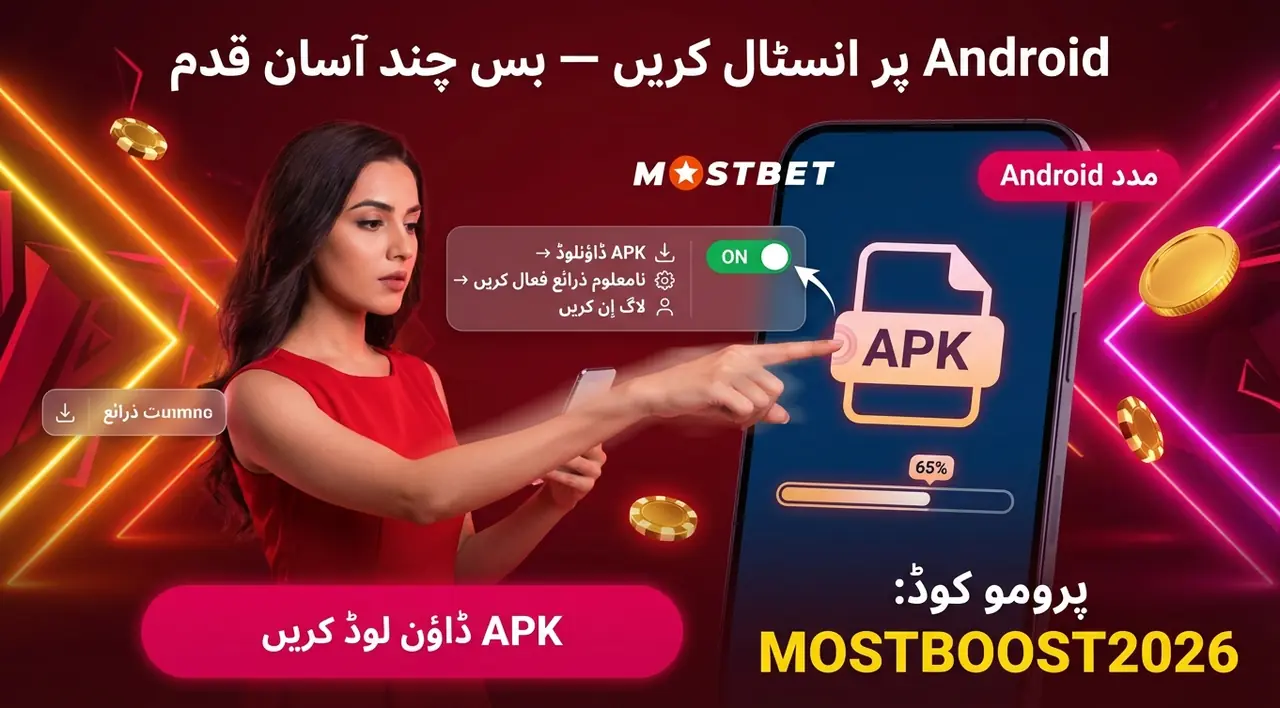
Installation Process
Getting the Mostbet app running on your phone takes only a few minutes and costs nothing. Whether you are on Android or iOS, the download and install process is straightforward — no technical skills needed. Separate step-by-step guides for each platform follow below, so you can jump straight to the one that matches your device.
Download and Install Mostbet on Android
Getting the APK for Android onto your device takes under five minutes. Here are the steps:
- Open the official website in your mobile browser.
- Tap the Android download button — the Mostbet APK file starts saving immediately.
- Go to Settings → Security and enable Unknown Sources or Install unknown apps on Android 8+.
- Open your Downloads folder and tap the Mostbet APK file.
- Tap Install and wait a few seconds for the process to finish.
- Launch the app, then log in or register to start betting.
The download and install flow is the same whether you are on a budget phone or a flagship device.
Minimum system requirements:
| Parameter | Requirement |
|---|---|
| Android version | 5.1 or higher |
| RAM | 1 GB |
| Storage | 150 MB free |
| Processor | 1.2 GHz or faster |
Most Android phones sold in Pakistan since 2017 meet these specs comfortably. If the installation is blocked, double-check that the Unknown Sources toggle is on — that is the most common hurdle.
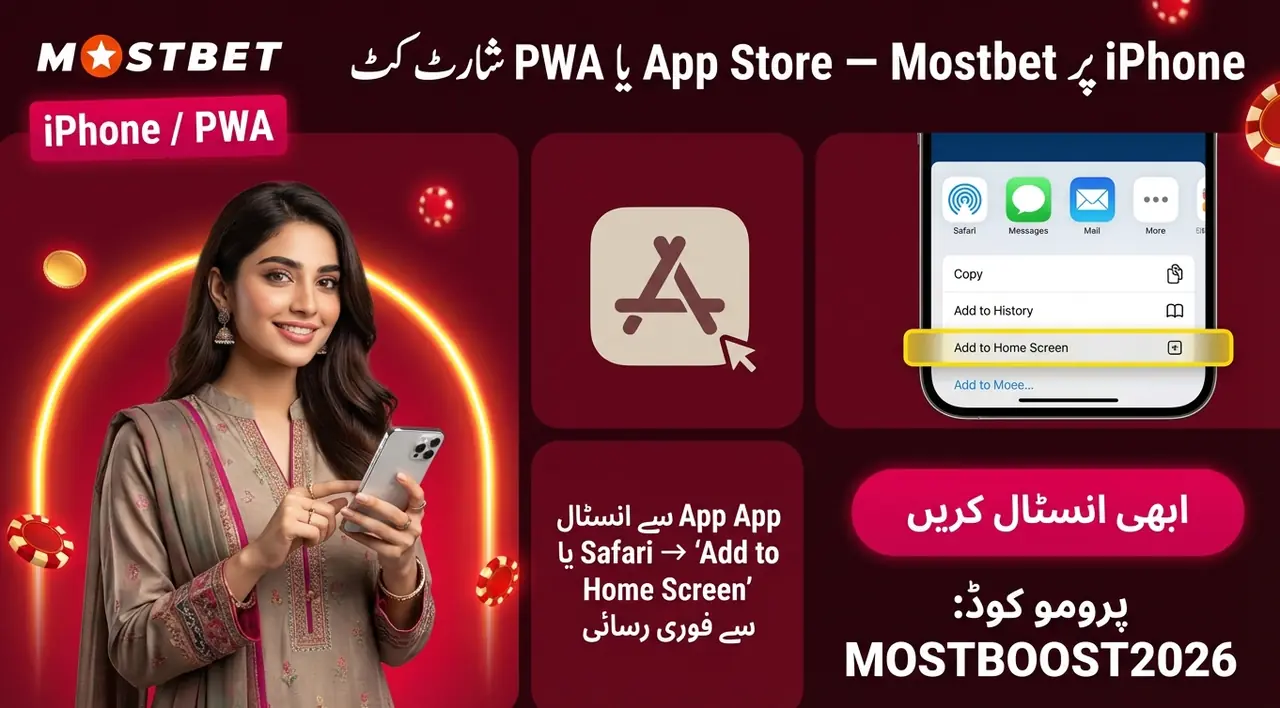
Install Mostbet on iPhone (iOS / PWA)
iPhone users have two ways to get on board: the App Store path and the PWA shortcut via Safari.
Path A — App Store
- Open the App Store on your iPhone.
- Search for "Mostbet" and select the official result.
- Tap Get — the Mostbet app downloads and installs automatically.
- Open the app, log in or register, and start betting.
Path B — PWA (if the App Store version is unavailable in your region)
- Open Safari and visit the official Mostbet site.
- Tap the Share icon, then choose Add to Home Screen.
- Confirm the name and tap Add — the shortcut appears on your home screen like any native app.
Both routes give full access to the application: sports markets, casino, live betting, and payments. No cable, no PC needed.
Minimum iOS requirements:
| Parameter | Requirement |
|---|---|
| iOS version | 11.0 or higher |
| RAM | 2 GB |
| Processor | 1.4 GHz or faster |
Any iPhone released after 2015 (iPhone 6s or newer) runs iOS 11+ comfortably, so most mobile phone models used in Pakistan today qualify without issue.
Account Access: Login, Registration, Security
Registration on the Mostbet app takes just a few taps. Choose your preferred method and follow the steps:
Registration (new users):
- Open the app and tap Register.
- Select your method — phone number, email address, or a social account (Google, Telegram, or X).
- Enter your details and set a strong password.
- Confirm via the code sent to your phone or email.
Your personal account is ready. You must be 18 or older to register, and only one account per user is allowed in Pakistan.
Login (existing users):
- Tap Log In, enter your phone/email and password.
- Hit confirm — your account dashboard opens immediately.
If you registered via social media, tap the relevant icon on the login screen instead of typing credentials.
Security tips:
- Use a password combining letters, numbers, and symbols — avoid obvious choices.
- Enable two-factor authentication if prompted; it adds a meaningful barrier against unauthorized access.
- Log out after using a shared device.
- If you forget your password, tap Forgot password? and follow the reset steps via your registered phone or email.
Registration and login are synced across all platforms, so an account created on desktop works in the app right away.
App Features and Functions in Use
Once you are logged in, the Mostbet app puts four main usage areas at your fingertips: sports betting, casino games, payments, and personalisation settings. Each works from the same interface — no switching between platforms or browsers.
- Sports betting — pre-match and live markets across 30+ disciplines
- Casino — slots, table games, and live dealer lobby
- Payments — deposits and withdrawals in PKR
- Settings — language, odds format, and notifications
For users across Pakistan, the features feel consistent whether the phone is on Wi-Fi or mobile data. Full details on each area follow in the subsections below.

Placing Bets and Creating Coupons
Placing a single bet or building an accumulator in the Mostbet app takes less than a minute once you know the flow. Here is the step-by-step process:
- Tap Sports on the bottom navigation bar.
- Select your sport — cricket, football, or any other discipline.
- Browse pre-match or switch to the Live tab for live betting on ongoing matches.
- Tap a market or outcome — the odds appear highlighted and the selection drops straight into your coupon.
- Open the Coupon panel at the bottom of the screen.
- Enter your stake amount and review the potential payout.
- Tap Place Bet to confirm — the wager is registered instantly.
To build an accumulator, keep adding selections from different events before entering your stake. Each pick stacks in the coupon, and the combined odds update automatically. Switch the coupon type to Accumulator (Express) inside the slip to make sure all selections count as one multi-bet.
The live betting tab updates odds in real time, so timing matters — tap your outcome quickly when the price looks right. Bet slip options also let you apply promo code MOSTBOOST2026 if you have it active on your account.
Casino in the App: How It Works
The casino section sits inside the app alongside sports betting — no separate download needed. Tap Casino from the main menu and you land in a categorised lobby immediately.
Game categories available:
- Slots
- Roulette
- Card games (blackjack, baccarat, Teen Patti, Andar Bahar)
- Fast games (Aviator, JetX, and similar crash titles)
- Live dealer tables
To launch a game — three steps:
- Open the Casino tab in the app.
- Browse by category or use the search bar to find a title.
- Tap the game thumbnail — it loads directly in the app, no browser redirect.
The live casino option streams real dealers to your screen in real time. It fits sports bettors who want to switch between a cricket match and a live roulette table without leaving the platform. All casino games load on both Wi-Fi and mobile data.
Casino and sports in one app
Choose your favourite games, check live markets and start playing in a few taps.

Payments: Deposits and Withdrawals
Financial operations in the Mostbet app are handled through a dedicated Cashier section — one place for every payment task. Pakistani users transact in PKR, which means no currency conversion headaches and no surprise fees on your end.
Several payment methods are supported, covering the most-used options across Pakistan:
- JazzCash and Easypaisa — fast mobile wallet transfers
- Visa and Mastercard — standard card payments
- Bank transfers — for larger amounts
- Cryptocurrency — Bitcoin, USDT, Ethereum, and others
The minimum deposit starts at 300 PKR, keeping the barrier low for new players. Deposits process instantly in most cases.
Withdrawals follow the same method list. Processing generally takes from 15 minutes up to 24 hours depending on which channel you pick. Mostbet does not charge its own withdrawal fee, though your bank or crypto network may apply one.
Full step-by-step details — how to fund your account, request a payout, and which Pakistani payment options suit each situation — are in the Cashier section guide below.
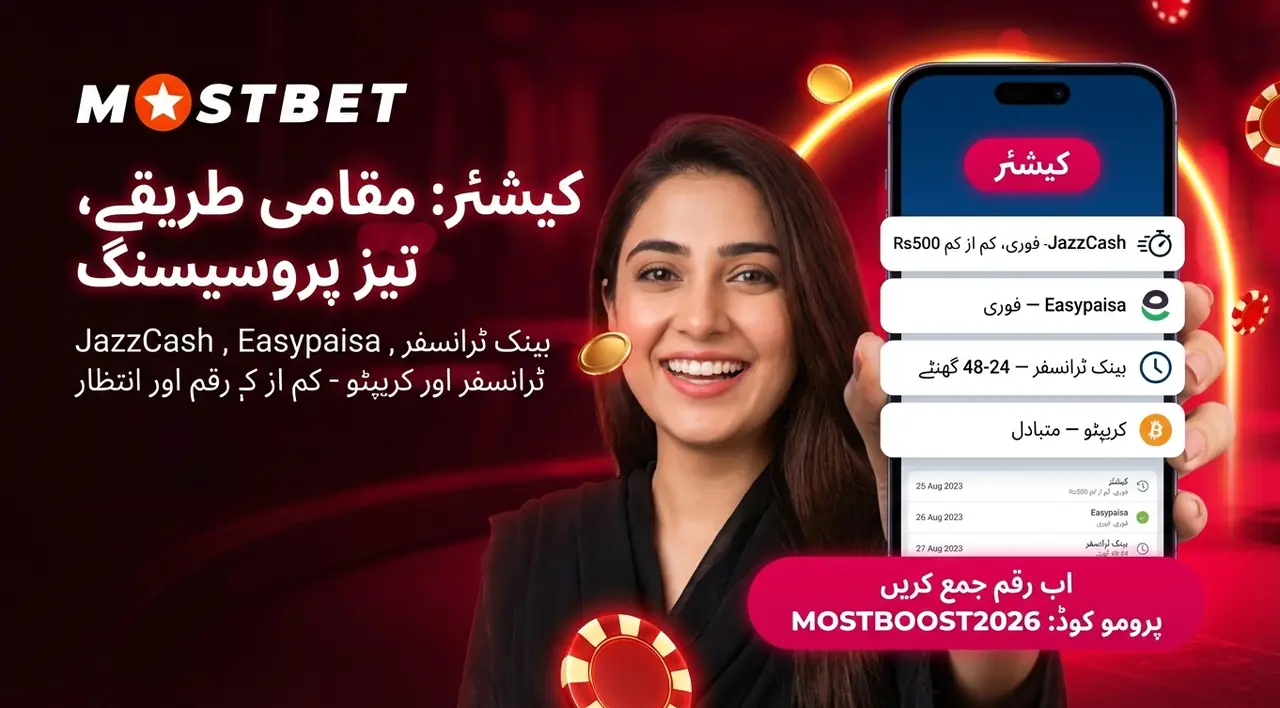
The App Usually Has a Cashier Section Where You Can:
The Cashier section in the app puts every financial action in one place. Here is what you can do from it:
- Fund your account — pick a payment method, enter the amount, and confirm; the deposit lands almost instantly
- Request a withdrawal — submit a payout to your preferred channel in a few taps
- Check transaction history — review past deposits and withdrawals with dates and amounts
- Apply promo codes — enter MOSTBOOST2026 here to activate bonuses and promotions linked to your account
Popular deposit options for Pakistani players:
| Method | Type | Min Deposit | Processing Time |
|---|---|---|---|
| JazzCash | Mobile wallet | PKR 500 | Instant |
| Easypaisa | Mobile wallet | PKR 500 | Instant |
| Bank Transfer | Bank | PKR 1,000 | 1–5 minutes |
| Visa / Mastercard | Card | PKR 500 | Instant |
| Cryptocurrency | Crypto | Varies | 5–10 minutes |
All methods are PKR-compatible, so there is no hidden conversion.
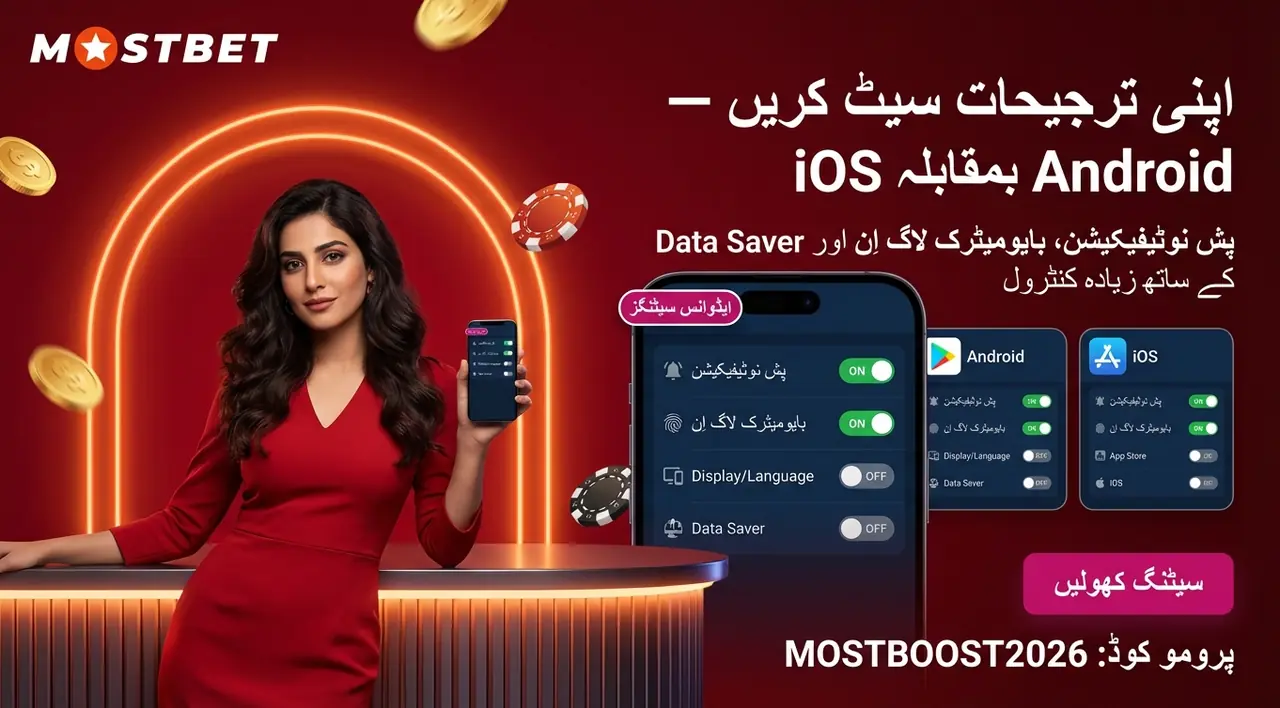
Useful Settings in the App
A few minutes inside Settings can make a noticeable difference to how you use the platform daily. In Mostbet App Pakistan, the settings menu keeps everything in one accessible place.
Here is what users can adjust:
- Notifications — toggle alerts for match starts, bonus offers, and payment confirmations on or off
- Language — switch between English and Urdu to match your preference; the whole interface adapts instantly
- Odds format — choose decimal or fractional display depending on which style you read faster
- Auto-updates — turn automatic updates on so the app always runs the current build without manual checks
- Dark mode — if available on your device, switch the display to reduce eye strain during night sessions
Keeping updates enabled is worth it — each new build can bring improved odds loading, security patches, and fresh payment options. Adjust these once and the app feels tailored from the start.

Updates and Personalisation
Keeping the app current helps you avoid old-build issues and gives access to the newest security patches, payment options, and interface improvements.
Notifications are useful for match starts, payment confirmations, and bonus offers. Language and odds format settings help make the interface easier to read, especially if you move between English and Urdu.
Dark mode can reduce eye strain during night sessions, while automatic updates reduce manual checks and make daily use smoother.
Support: Quick Tips Before Contacting Help
Running into a snag after installing the app is more common than you'd think. Most access and payment issues can be fixed by checking installation permissions, clearing cache, updating the current build, or completing account verification.
If the APK does not install, the first thing to check is Unknown Sources in your phone settings. If login fails, use the password reset option from the login screen.
For withdrawals, account verification is often the key step. Upload the required ID documents under Profile → Verification before expecting payouts to move smoothly.

Support: Common Problems and Solutions
Running into a snag after installing the app is more common than you'd think. The table below covers the issues users report most often, along with quick fixes.
| Problem | Solution |
|---|---|
| APK won't install | Enable Unknown Sources in Settings → Security before tapping the file |
| App crashes on launch | Clear the app cache in your phone settings, or reinstall using the latest APK |
| Login fails | Use Forgot Password? on the login screen to reset via registered email or phone |
| Slow loading | Check your connection, switch between Wi-Fi and mobile data, or update to the current build |
| Can't withdraw | Verify your account — upload the required ID documents under Profile → Verification |
| Bonus not applied | Enter promo code MOSTBOOST2026 in the Cashier section before confirming the deposit |
If none of these fixes resolve your issue, reach Mostbet support without leaving the platform. In the Mostbet app, the live chat icon sits in the bottom-right corner of the screen — response times are typically under two minutes. Email ([email protected]) and Telegram (mbeng_bot) are also available for less urgent queries. The app's FAQ section, found in the main menu, covers many common access and payment questions too.
Try the platform on mobile
Open the games section, choose your preferred category and use the app from your phone.
Frequently Asked Questions
What does the Mostbet app offer for cricket and sports betting in Pakistan?
Mostbet is a mobile betting app used for cricket and sports betting, with 30+ sports, live odds, and fast coupon creation. Availability, app size, and connection quality can vary by device and current app version, so check the latest download page before installing.
Is the Mostbet app a licensed gambling platform?
Mostbet presents itself as a licensed betting and casino platform and uses standard account-protection steps such as SSL encryption and KYC verification. Before depositing, check the current license details and terms on the official Mostbet website, because licensing and compliance information can change.
Can I bet on cricket and sports using the Mostbet app in Pakistan?
Yes. The Mostbet app is fully accessible for players in Pakistan, covering cricket markets including the PSL, IPL, and ICC tournaments. Local payment methods like JazzCash and Easypaisa are supported, with a minimum deposit of 300 PKR and withdrawals credited within 1–2 hours.
How do I place a bet using the Mostbet app step by step?
Tap Sports, choose your discipline, then select a match and tap any odds to add them to your coupon. Enter your stake, review the payout, and tap Place Bet — the wager confirms instantly. The same flow works for pre-match and live betting across all devices.
How do I download and install the Mostbet APK on an Android phone?
Visit the official Mostbet website on your mobile browser and tap the Android download button to save the APK. Enable Unknown Sources under Settings → Security, then open the file and tap Install — the process takes under five minutes. The app requires Android 5.1+ and 150 MB of free storage.
How do I apply promo code MOSTBOOST2026 in the Mostbet app?
Open the Cashier section, start a deposit, and enter MOSTBOOST2026 in the promo code field before confirming. Alternatively, add it during registration in the designated promo field. The code unlocks bonus offers such as welcome packages and free spins linked to your account.